Folder Interaction
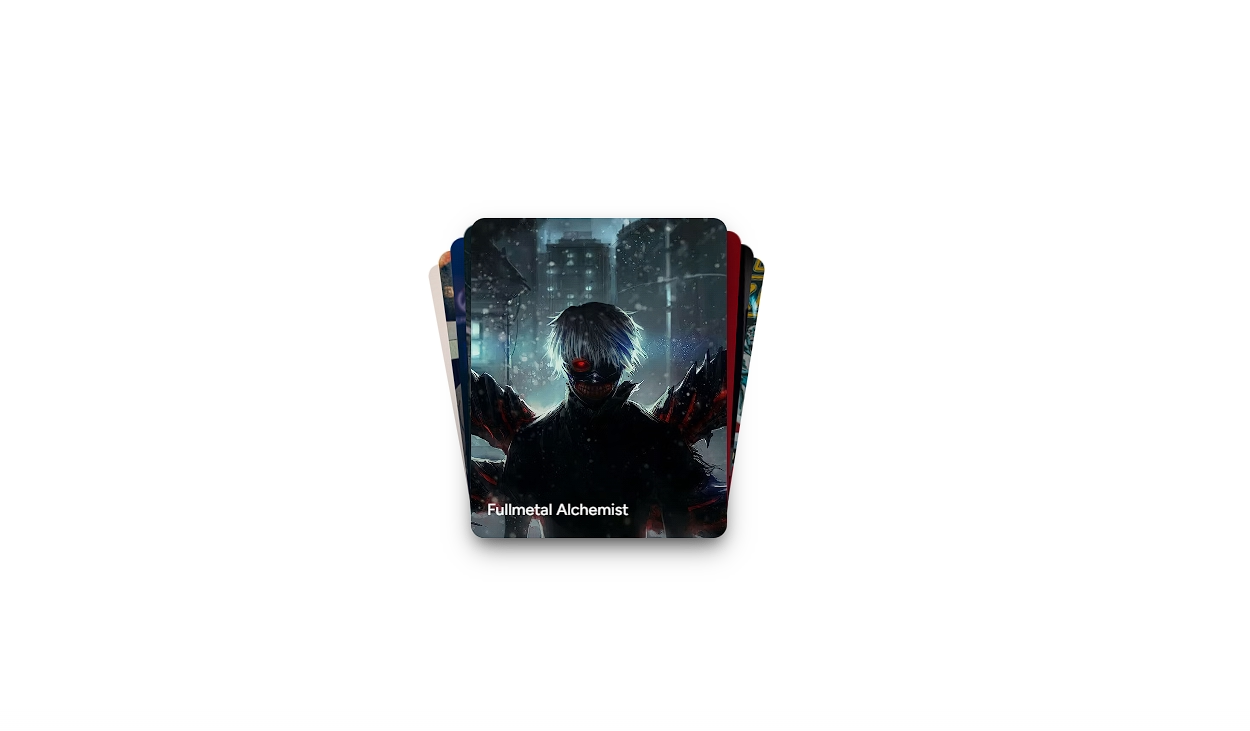
An animated folder that fans out image cards on hover or click. Works at any size — from inline badge to standalone card.



Examples
With Hover
With Different Theme
Installation
$ npx shadcn@latest add https://akshitr.com/r/folder-interaction.json
Usage
import { FolderInteraction } from "@/components/folder-interaction";

export default function FolderInteractionDemo() {
  return <FolderInteraction />;
}
Component API
FolderInteraction
| Prop | Type | Default | Description |
|---|---|---|---|
| images? | string[] | — | Up to 3 image URLs to stack inside the folder. |
| size? | number | 32 | Folder width in px. Height is derived automatically at a 4:3 ratio. |
| interaction? | FolderInteractionType | "click" | "click" peeks on hover and fans on click. "hover" fans immediately. |
| color? | FolderColor | "sky" | Folder color theme. |
| text? | string | — | Optional label rendered beside the folder. Omit for a standalone folder. |
| href? | string | — | When provided, renders as <a>. Otherwise renders as <div>. |
| target? | string | — | Link target attribute, e.g. "_blank". Automatically adds rel="noopener noreferrer" when "_blank". |
| className? | string | — | Additional classes applied to the root element. |
FolderColor
type FolderColor =
  | "amber"
  | "sky"
  | "emerald"
  | "rose"
  | "violet"
  | "orange"
  | "indigo"
  | "teal"
  | "pink"
  | "slate";
FolderInteractionType
type FolderInteractionType = "click" | "hover";Use Cases
- File & Media Browsers: Group design assets, uploaded media, or documents into tactile expandable folders.
- Project Case Studies: Showcase multiple project screens, mockups, or deliverables inside a single interactive showcase item.
- Categorized Galleries: Organize collections (e.g., photography, branding, icon packs) with a physical folder look & feel.
- Interactive Knowledge Hubs: Bundle resources, cheat sheets, or downloadable archives in documentation and learning portals.